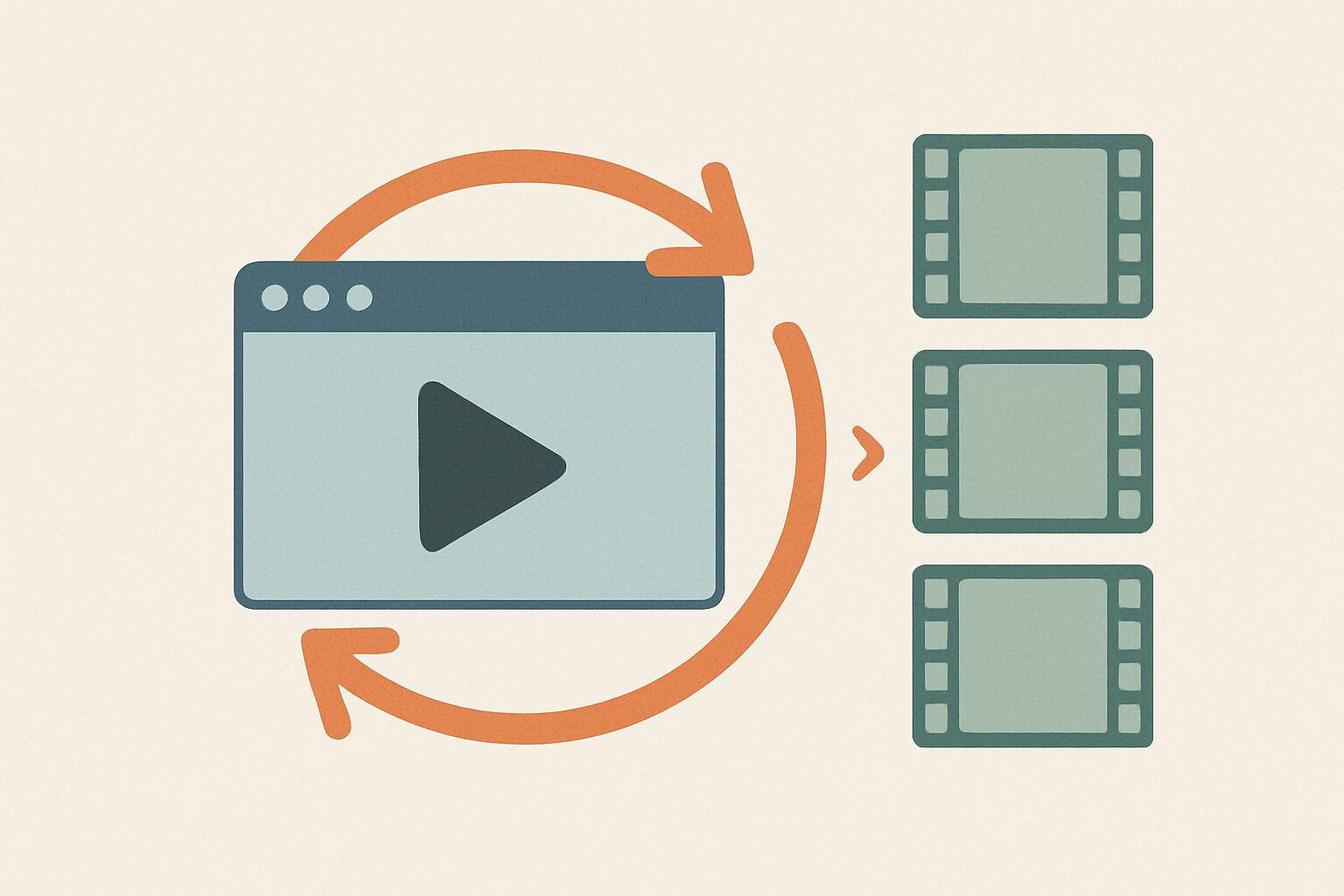
Claude Code loops let you run a task on a repeat, on a schedule, without babysitting it. Point one at your Claude Design animations and you can batch-render a whole library to MP4, or re-export a data-driven animation every morning so the video always shows current numbers. Claude Design still has no native export, so the loop handles the part Anthropic left out.
What Is a Claude Code Loop?
A Claude Code loop is a task that re-runs on an interval instead of executing once and exiting. You start one with /loop, give it an interval and a prompt, and it keeps working through cycles until you stop it or its goal is met. Anthropic introduced loops as a first-class pattern on June 30, 2026 in "Getting started with loops", describing them as agents repeating cycles of work until a stop condition is met.
There are two flavors. A local loop like /loop 30m render and export my metrics animation runs on your machine, so closing the terminal stops it. A scheduled loop like /schedule every morning: re-export the metrics animation (a research preview) moves the work to the cloud, so it survives your laptop being closed.
The mental shift the Claude Code team is pushing in 2026: stop typing one prompt and reading the reply. Write a loop that prompts Claude for you, checks its own output, and only stops when the job is actually done.
Why Do Loops Matter for Claude Design Specifically?
Because Claude Design outputs code, not a video file, its animations are re-renderable. You can run the same design through a render step as many times as you want and get an identical MP4, or a fresh one if the underlying data changed. That is exactly the property a loop needs to be useful.
Compare that to a generative video clip. A finished MP4 from Sora or Gemini Omni is a fixed pixel buffer. Once the model paints it, there is nothing left to re-run. A Claude Design animation is a program, so a loop can rebuild it, re-render it at a different resolution, or spin out ten style variations on a schedule. Code-based animation is the one corner of AI video where automation like this even makes sense.
The catch is the same one Claude Design has had since April 2026: no "save as video" button. A loop does not fix that. It automates the workaround, so you do the frame-by-frame export once as a script and then never touch it again.
Three Things You Can Automate
Batch-export a whole library
If you have built a shelf of animations (see 10 things you can make with Claude Design), exporting them one at a time is exactly the kind of repetitive work a loop erases. Feed the loop a list of share links, and it renders each one frame by frame, names the output, and moves to the next. Ten videos become one unattended run instead of ten manual sessions.
Re-export a data-driven animation on a schedule
This is the use case that pays for itself. Say you built an animated dashboard or metrics chart in Claude Design that reads from a CSV or an API. Schedule a loop to re-render and export it every morning at 7am, and the MP4 you drop into Slack or a report always reflects the latest numbers. No generative video model can do this, because its output cannot read fresh data. Your code animation can.
Generate and export variations
Testing which version of an intro animation lands better? A loop can generate several style variants, export each as its own MP4, and leave you a folder to compare. You review the finished videos instead of re-prompting and re-recording by hand.
How Do You Set Up the Loop?
Five steps get you from a Claude Design animation to an automated export pipeline.
- Get your share link. In Claude Design, open the project, share it, and copy the URL. The token in that URL is what lets a headless browser load the animation. Collect several links if you are batch-exporting.
- Connect the Claude Design MCP server (optional). Only needed if the loop should also create or edit designs, not just export them. From Claude Code, run
claude mcp add --scope user --transport http claude-design https://api.anthropic.com/v1/design/mcp, then/design-login. This is the same June 2026 handoff that connects Claude Design to Claude Code. - Write the render step once. Have Claude Code write a Playwright script that opens the share URL, drives the animation clock, captures each frame, and assembles them with ffmpeg. Frame-by-frame capture is why the output looks clean instead of stuttering, as covered in screen recording vs frame-by-frame.
- Wrap it in a loop. Use
/loop <interval>to run it on your own machine, or/scheduleto run it in the cloud on a fixed cadence. Pick the longest interval that still meets your need, since running more often than necessary just burns tokens. - Point the output somewhere and watch the first cycle. Send the MP4s to a folder or storage bucket, then check the first run end to end before you walk away. Loops reward a precise task definition up front.
Do You Actually Need a Loop?
For a single video, no. If you just want one Claude Design animation as an MP4, the fastest path is still Claude2Video: paste the share link, or swap claude.ai for claude2video.com directly in the address bar, and download the file. No script, no scheduler, frame-by-frame quality out of the box.
A loop earns its place when you are exporting the same thing repeatedly or many things at once. The line is simple.
| Your situation | Best approach |
|---|---|
| One animation, one time | Claude2Video, one click |
| A handful of animations, occasionally | Claude2Video, one at a time |
| A library to export in bulk | A /loop around a render script |
| A data-driven video that must stay current | A /schedule loop that re-exports on a cadence |
| Many style variations to compare | A loop that generates and exports each |
The tool and the loop are not competitors. A loop that needs a render step can call the same frame-by-frame pipeline Claude2Video uses. The tool is the one-click front door; the loop is what you build when one click, done a hundred times, becomes the bottleneck.
Frequently Asked Questions
What is a Claude Code loop?
A Claude Code loop is a task that re-runs automatically on an interval instead of executing once. You launch it with /loop, set an interval and a prompt, and it works through cycles until you stop it or it meets its goal. Anthropic introduced loops on June 30, 2026. A local /loop runs on your machine; a scheduled loop (research preview) runs in the cloud so it keeps going after you close your laptop.
Can you automate Claude Design video exports? Yes. Because Claude Design produces code rather than a video file, its animations can be re-rendered on demand, which is exactly what a loop needs. Wrap a frame-by-frame render script in a Claude Code loop and you can batch-export a library, re-export a data-driven animation on a schedule, or generate and export style variations, all without manual clicks.
Do I need to write code to loop Claude Design exports? For a single export, no. Use Claude2Video: paste the share link or swap the domain and download. Loops are for repetition and scale, and they do involve a one-time render script that Claude Code can write for you. If you are only exporting occasionally, skip the loop and use the one-click tool.
What is the difference between /loop and /schedule?
/loop runs on your own computer, so it stops when you close the terminal. It suits short bursts you are around to watch. /schedule, a research preview, moves the loop to the cloud so it keeps running on its interval even when your machine is off. Use /schedule for a nightly re-export that has to happen whether or not you are at your desk.
Can generative video models like Sora be looped the same way? No. A finished clip from Sora or Gemini Omni is a fixed set of pixels with nothing left to re-run. A Claude Design animation is a program, so a loop can rebuild it, re-render it, or feed it new data every cycle. Automation like scheduled re-exports only works when the source is code, not a one-off generated video.
How do I turn the looped animation into an MP4? The render step in the loop captures the animation frame by frame in a headless browser and assembles the frames with ffmpeg, the same method Claude2Video uses. For a full walkthrough of the export itself, see How to Export Claude Design Animations as MP4. The loop just runs that export for you, on repeat.